PES 2021 Classic Stadiums: Estadio Das Antas 90s -2004

PES 2021 Classic Stadiums: Estadio Das Antas 90s -2004

Estadio Das Antas (Estádio do Futebol Clube do Porto) made for eFootball Pro Evolution Soccer 2021 & SP Football Life 2026 by Arthur Torres.

Estádio das Antas was the third stadium of the Portuguese football club FC Porto. It was used between 1952 and 2004, replacing Campo da Constituição, and was later replaced by Estádio do Dragão.

Estadio Das Antas 90s -2004
ID Stadium: 009
ID Team: 192 (FC Porto)

How to Install:
Installing the PES 2021 Estadio Das Antas 90s -2004 mod is easy, and it only takes a few minutes. First, you'll need to download the stadium from the link below. Once you have the mod file, you'll need to extract it to your Stadium-Server folder ... sider\content \stadium-server

Open map_teams.txt with a text editor and copy this line inside map_teams.txt 
192, 009, Estádio das Antas, Estádio das Antas # FC Porto
FOR MANUAL SELECTION:
Go to map_competitions.txt in your Stadium-Server folder, then insert the following line:

0, 009,  Estádio das Antas, Estádio das Antas, , ,
Extract and copy the "Estádio das Antas" folder inside the Stadium-Server folder ...sider/content/stadium-server

Once you are in-game, you can select the stadium via manual selection by pressing number 9 and navigating to the stadium.

Credits:
Stadium made by Arthur Torres x.com/Arthur_Stadiums
G. Leroy (pesmodding.com) / blog writer.

Download "Stadium"
Please wait ...
If the download didn't start automatically, click here

HOW TO ENABLE THE PES 2021 ONLINE MODE

HOW TO ENABLE THE PES 2021 ONLINE MODE

PES 2021 Private Server / Online Emulator Progress + TrueNAS Docker Setup

Today, eFootball PES 2021 has a working online mode again, and Friendly Match Lobby is approximately 99% functional due to an incredible community effort by PESBUL.

Thanks to an incredible community effort by PESBUL, the online mode of eFootball PES 2021 has been brought back to life. The Friendly Match Lobby is now available again as part of a public beta.

IMPORTANT INFORMATION ABOUT CONNECTION QUALITY AND LAG

Matches in PES 2021 use a peer-to-peer connection.

This means that the actual gameplay traffic is exchanged directly between the two players. It does not pass through the main PESBUL server.

If a match is lagging, the cause will usually be related to the connection between the players rather than the central server.

Possible causes include:
  • Large geographical distance between the players.
  • Wi-Fi instability or poor wireless signal.
  • Network congestion or packet loss.
  • Background downloads, streaming, or cloud synchronisation.
  • Router or NAT configuration.
  • Internet provider routing.
  • An unstable connection from one of the players.

Please do not immediately assume that every lagging match is caused by PESBUL.

HOW TO ENABLE THE PES 2021 ONLINE MODE
1. Open the official PESBUL 2021 website:

Click the Connect Now button available on the website.
2. A file in .BAT format will be downloaded.

Some browsers or security programs may display a warning because BAT files are executable scripts.

Download and use the installer only from the official PESBUL website.
3. Right-click the downloaded file and select:

Run as administrator
4. In the installer, choose:

1 — install and activate the PESBUL online server.

2 — remove the PESBUL configuration and restore the original setup.
5. Start eFootball PES 2021.

The online mode should now be available.

THAT IS ALL. PES 2021 IS ONLINE AGAIN.
The installation is reversible.
Selecting option 2 removes the PESBUL configuration and restores the original setup.

WHAT IS THE PESBUL 2021 HUB?

The website is still in a very early stage.

Its immediate purpose is to provide access to the restored PES 2021 online services, but the long-term plan is much larger.

The website will gradually become a complete PES 2021 community hub, including:

  • ELO seasons and rankings.
  • Traditional leagues and championships.
  • Cups and tournaments.
  • Public player profiles.
  • Match history and detailed statistics.
  • Achievements and permanent competitive records.
  • Competitions organised through Friendly Match Lobby.
  • Future Team Play 11 vs 11 events.

LINKING YOUR WEBSITE ACCOUNT WITH YOUR PES 2021 PROFILE

You do not need to verify your website account simply to play PES 2021 online.

Profile verification is optional.

It provides additional features for players who want to participate in PESBUL competitions and use the full PESBUL 2021 Hub.

A verified profile will eventually allow you to:
  • Join ELO seasons.
  • Participate in leagues, cups, and tournaments.
  • Have a public player profile.
  • Store match results and statistics.
  • Unlock achievements.
  • Build a permanent competitive history.

How to Verify Your Profile
  1. Sign in to your account on the PESBUL 2021 website.
  2. Open your user dashboard and click the profile verification button.
  3. The website will generate a unique verification code.
  4. Open PES 2021 and go to: Settings → Online Settings → Edit Profile → Favorite Team
  5. Enter the generated verification code in the Favorite Team field and save the changes.
  6. Return to your website dashboard and click the verification button again.

If everything is correct, your game profile and website account will be linked.

A public player profile will then become available.

This profile will gradually store your statistics, results, achievements, competitive history, and participation in PESBUL events.

VERIFICATION IS NOT REQUIRED FOR NORMAL ONLINE PLAY

You can use Friendly Match Lobby without verifying a website account.

Verification is an additional service for players who want public profiles, statistics, rankings, and access to organised competitions.

COMMUNITY RULES

This project is completely free, and the rules are intentionally simple.

  • Play Fair!!!
  • Treat other players with basic respect.
  • Do not exploit known bugs to disrupt other users.
  • Do not harass players or create unnecessary conflicts.
  • Report technical problems with useful and accurate information.

EVERYTHING IS FREE

There is no money, prize, or commercial service involved.

There is no reason to turn a community project into a source of unnecessary drama.

KNOWN ISSUES

The following problems are already known.

You do not need to report them repeatedly unless you have new and useful information.

Avatars are currently not working correctly.
If a player disconnects during a match or during team selection, the other player may be returned to a room that no longer exists.

You can still leave that room normally.
Room status does not yet update correctly in every situation.
The Other Results section is not working yet.
Team Play Lobby and CO-OP Clans are accessible and already significantly advanced.

They include menus, rooms, clan creation, membership functions, and other working elements.

However, these modes are not yet ready for normal use.

If you explore too deeply, you may reach an unfinished screen or a dead end.

HAVE YOU FOUND A NEW PROBLEM?

If the issue is not already included in the known-issues list, please publish it in the dedicated Discord forum channel.

A useful report should include:
  • What exactly you did.
  • What you expected to happen.
  • What actually happened.
  • The exact screen or stage where the problem appeared.
  • A screenshot or video whenever possible.
  • Your country and connection type for network or lag-related problems.

PES 2021/FL 2026 Managers Facepack Vol.1

PES 2021/FL 2026 Managers Facepack Vol.1

Managers Facepack Vol.1 converted from eFootball 2026 to Pro Evolution Soccer 2021 & SP Football Life 2026 by  Pudd Facemaker. The pack includes six new manager faces.

Manager List
  1. Cristian Chivu - Inter Milan
  2. Didier Deschamps
  3. Niko Kovac - Borussia Dortmund
  4. Ruben Amorim - AC Milan
  5. Thomas Tuchel - England NT
  6. Vincenzo Montella - Turkey NT

How to Add New Faces in PES 2021

Adding fresh faces to your PES 2021 game is simple. Here are several methods to get you started:

Method 1: Using Sider 7 Version

Extract and Place the Files:
Locate the folder containing the new faces (usually identified by numbers).
Extract this folder and copy it to 
...\livecpk\Faces\Asset\model\character\face\real

Edit sider.ini: If not already done, add this line:
cpk.root = ".\livecpk\faces"

Method 2: Using CPK Version

1. Create CPK File: Use "CriPackedFileMaker" to package the contents of the Sider version folder into a CPK file.

2. Copy to Game Directory: Place the created CPK file into:
eFootball PES2021\download

3. Add to Game: Use the "DpFileList Generator" tool to include the CPK file in your game.

Verify Installation:

Launch PES 2021 and navigate to the Edit menu.
Check if the new faces appear correctly for the players.

Credits: 
PES 2021 Faces converted by Pudd
UQIYA FACEMAKER, MJTS-140914, wir_leben_dich, tradtrad100, Retmods
Blender, Maurizio Memoli, Konami
G. Leroy (pesmodding.com) / blog writer

SUPPORT Facemaker PUDD
KO-FI - PAYPAL - BOOSTY

Download "Facepack"
Please wait ...
If the download didn't start automatically, click here

PES 2021 Estadio Fernando Torres (CF Fuenlabrada)

PES 2021 Estadio Fernando Torres CF Fuenlabrada

Estadio Fernando Torres released for eFootball Peo Evolution Soccer 2021 & SP Football Life PC Games by Arthur Torres. The Estadio Fernando Torres is a multi-use stadium located in Fuenlabrada, Community of Madrid, Spain, and is the home stadium of CF Fuenlabrada.

Estadio Fernando Torres
ID Stadium: 009
ID Team: -

How to Install the Stadium:

Installing the Estadio Fernando Torres is easy, and it only takes a few minutes. First, you'll need to download the stadium from the link below. Once you have the mod file, you'll need to extract it to your Stadium-Server folder
... sider\content \stadium-server

Go to map_competitions.txt in your Stadium-Server folder, then insert the following line:
0, 009,  Estadio Fernando Torres, Estadio Fernando Torres, , ,
Extract and copy the "Estadio Fernando Torres" folder inside the Stadium-Server folder ...sider/content/stadium-server

Once you are in-game, you can select the stadium via manual selection by pressing number 9 and navigating to the stadium.

Credits:
Stadium made by Arthur Torres x.com/Arthur_Stadiums
Base model by: Adam & The Kid
G. Leroy (pesmodding.com) / blog writer.

Download "Stadium"
Please wait ...
If the download didn't start automatically, click here

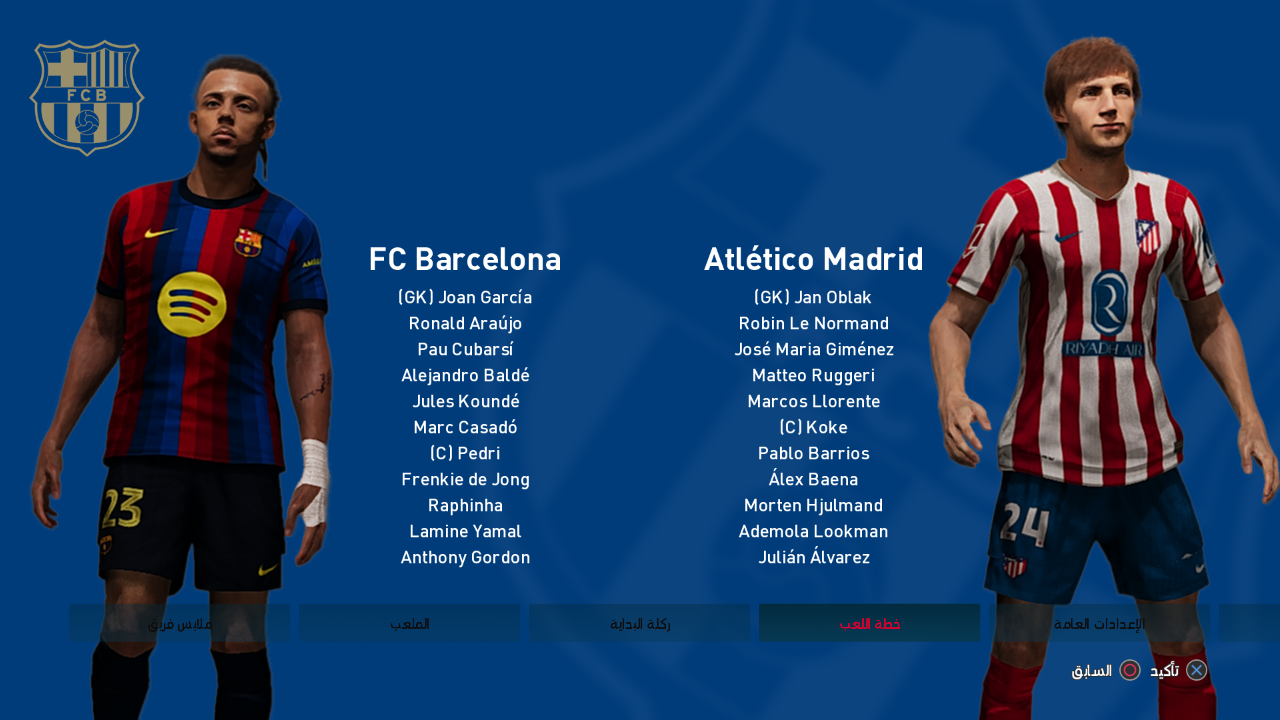
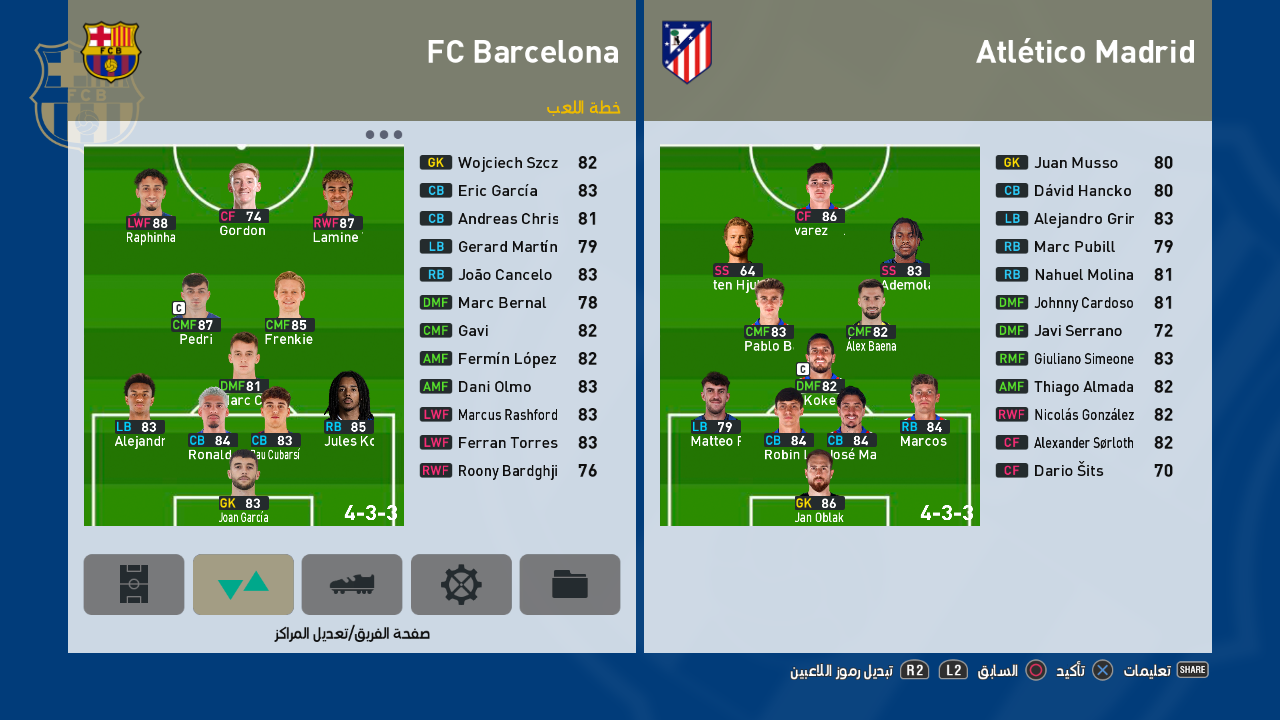
Graphic Menu FC Barcelona 2027 - Sp Football Life & PES 2021

Graphic Menu FC Barcelona 2027 - Sp Football Life & PES 2021

New FC Barcelona 2027 Graphic Menu made for eFootball Pro Evolution Soccer 2021 & SP Football Life 2026 by Diyaad. Includes new FC Barcelona-themed design colors and backgrounds.

Features:
  • New Icon Style
  • New Intro
  • New Start Screen
  • New Loading Screen
  • New Save Data Icon
  • New Background and Wallpaper Theme
  • And more...

How to Install:
Attention: You need to install CommonLib for the menu to work. CommonLib should be the first entry in your Sider. Download CommonLib. Click here

1. Extract and copy the "content, livecpk, and modules" folders to your Sider 7 folder
2. Open sider.ini with any text editor and add the following lines:
cpk.root = ".\livecpk\Menu Barcelona"
cpk.root = ".\livecpk\UIColors"

lua.module = "UIColors.lua"
3. Enjoy


Credits:
PES 2021 FC Barcelona Graphic Menu made by Diyaad
G. Leroy (pesmodding.com) / blog writer

Download "Menu Mod"
Please wait ...
If the download didn't start automatically, click here

PES 2021/FL 2026 Serie A Enilive Facepack Vol.1

PES 2021/FL 2026 Serie A Enilive Facepack Vol.1

Serie A Enilive Facepack Vol. 1, released by Facemaker Pudd for eFootball Pro Evolution Soccer 2021 & SP Football Life 2026, includes 6 new random player faces.

Player List
  1. Tommaso Pobega - Bologna
  2. Roberto Piccoli - Fiorentina
  3. Alessandro Marcandalli - Genoa
  4. Emanuele Valeri - Parma Calcio 1913
  5. Pontus Almqvist - Parma Calcio 1913
  6. Danilo Cataldi - SS Lazio

How to Add New Faces in PES 2021

Adding fresh faces to your PES 2021 game is simple. Here are several methods to get you started:

Method 1: Using Sider 7 Version

Extract and Place the Files:
Locate the folder containing the new faces (usually identified by numbers).
Extract this folder and copy it to 
...\livecpk\Faces\Asset\model\character\face\real

Edit sider.ini: If not already done, add this line:
cpk.root = ".\livecpk\faces"

Method 2: Using CPK Version

1. Create CPK File: Use "CriPackedFileMaker" to package the contents of the Sider version folder into a CPK file.

2. Copy to Game Directory: Place the created CPK file into:
eFootball PES2021\download

3. Add to Game: Use the "DpFileList Generator" tool to include the CPK file in your game.

Verify Installation:

Launch PES 2021 and navigate to the Edit menu.
Check if the new faces appear correctly for the players.

Credits: 
PES 2021 Faces converted by Pudd
UQIYA FACEMAKER, MJTS-140914, wir_leben_dich, tradtrad100, Retmods
Blender, Maurizio Memoli, Konami
G. Leroy (pesmodding.com) / blog writer

SUPPORT Facemaker PUDD
KO-FI - PAYPAL - BOOSTY

Download "Facepack"
Please wait ...
If the download didn't start automatically, click here

PES 2021 Estádio Cidade de Barcelos

PES 2021 Estádio Cidade de Barcelos

Estádio Cidade de Barcelos the home ground of Gil Vicente made for eFootball Pro Evolution Soccer 2021 & SP Football Life 2026 by WE_DP99_PES.

How to Install:
Installing the PES 2021 Estádio Cidade de Barcelos mod is easy, and it only takes a few minutes. First, you'll need to download the stadium from the link below. Once you have the mod file, you'll need to extract it to your Stadium-Server folder ... sider\content \stadium-server

Open map_teams.txt with a text editor and copy this line inside map_teams.txt 
2387, 009, Estádio Cidade de Barcelos, Estádio Cidade de Barcelos # Gil Vicente
FOR MANUAL SELECTION:
Go to map_competitions.txt in your Stadium-Server folder then insert the following line:
0, 009, Estádio Cidade de Barcelos, Estádio Cidade de Barcelos, , ,
Extract and copy the "Estádio Cidade de Barcelos" folder inside the Stadium-Server folder ...sider/content/stadium-server

Once you are in-game you can select the stadium via manual selection by pressing number 9 and navigating to the stadium.

Credits:
Stadium made by Du (WE_DP99_PES)
G. Leroy (pesmodding.com) / blog writer.

Download "Stadium"
Please wait ...
If the download didn't start automatically, click here

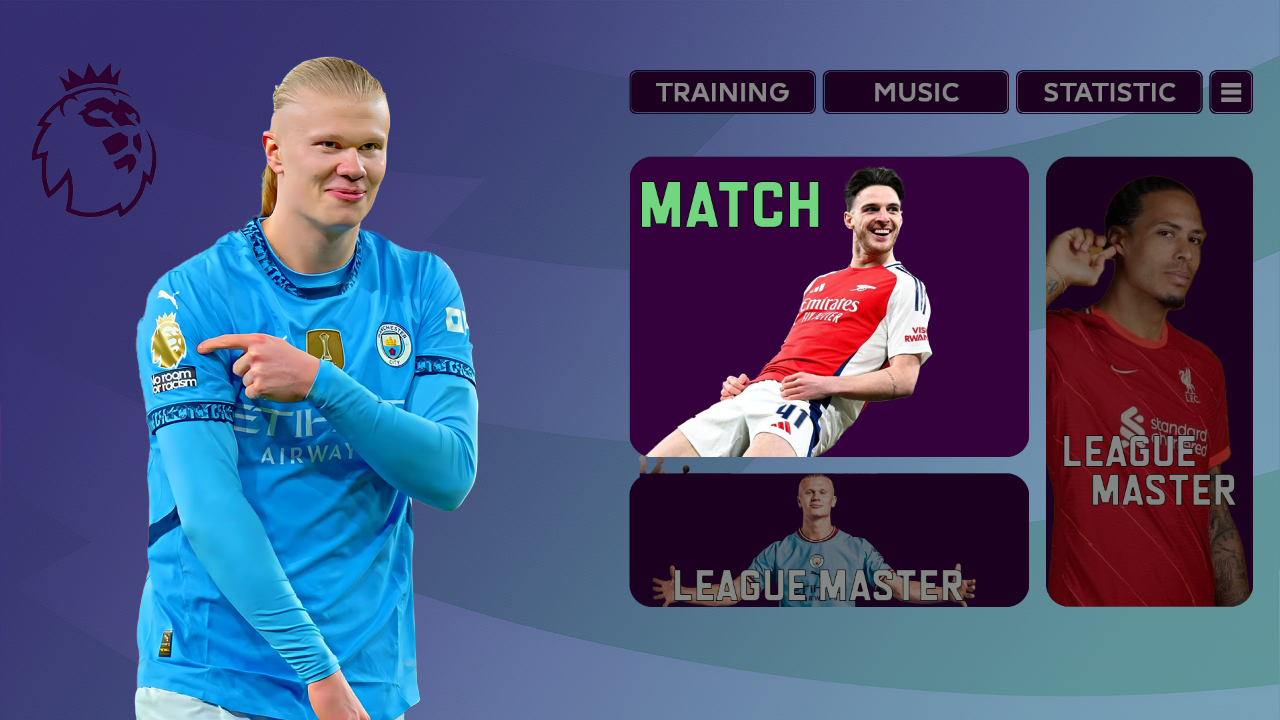
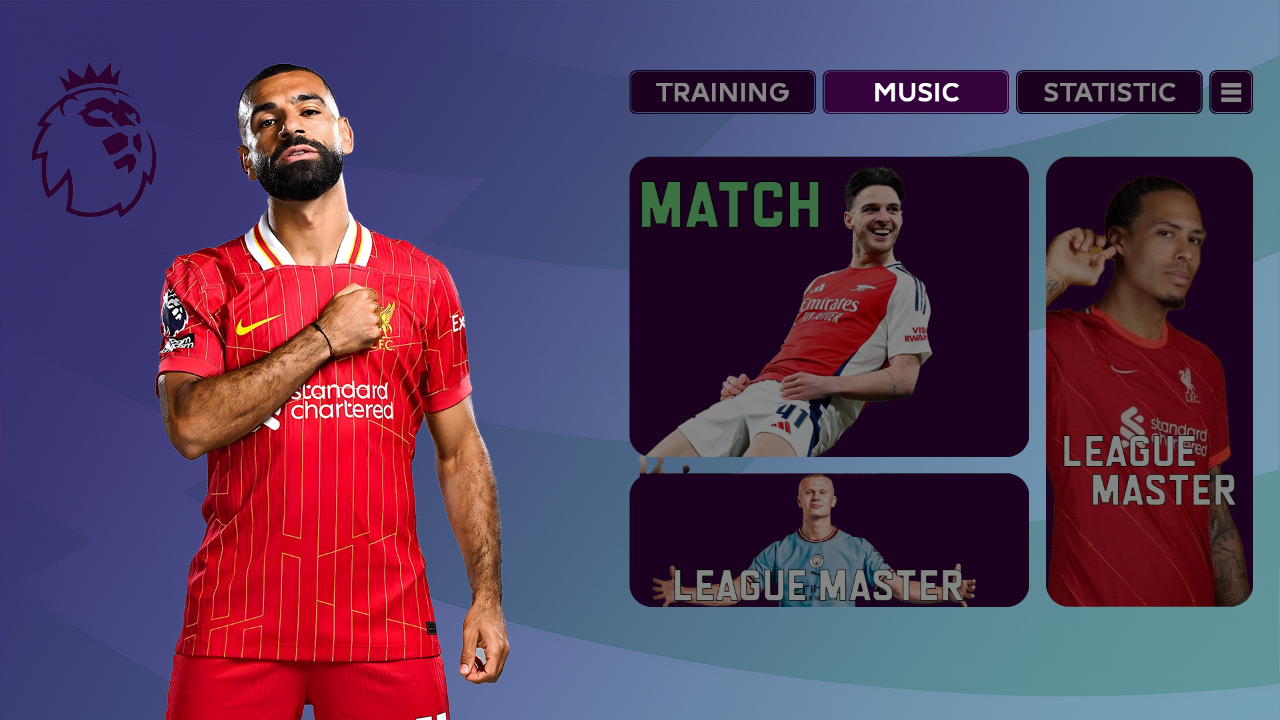
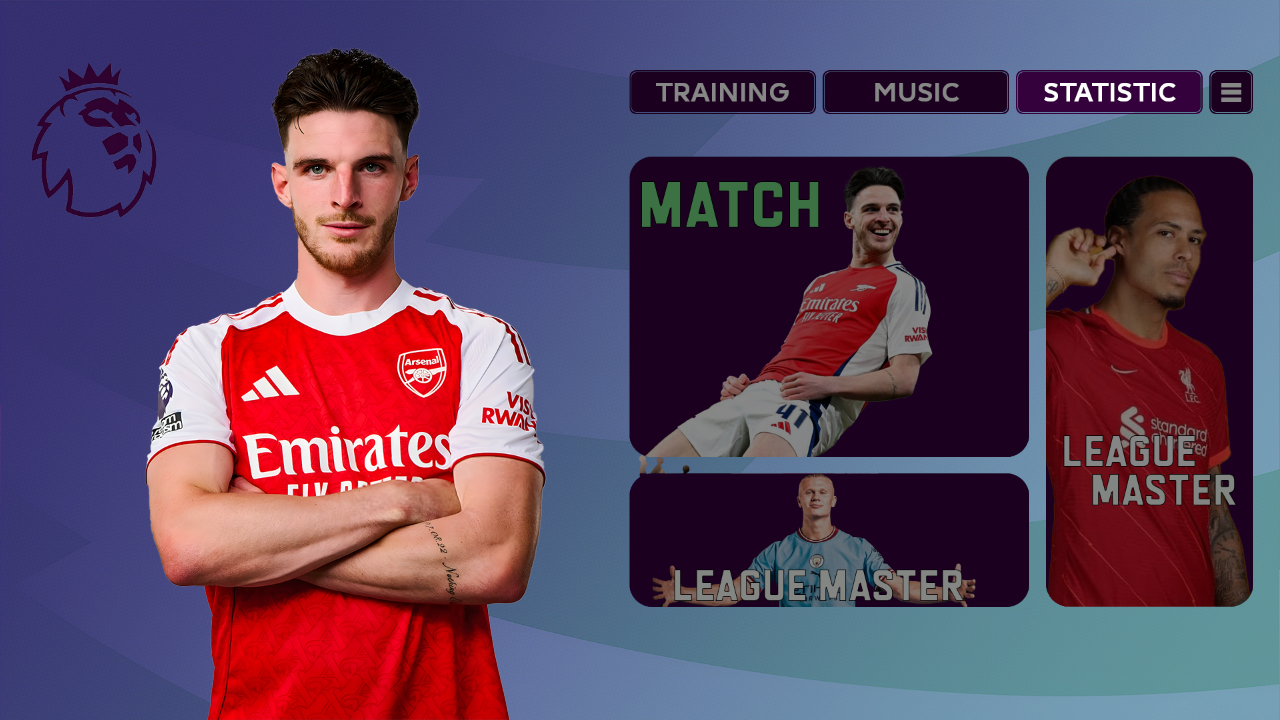
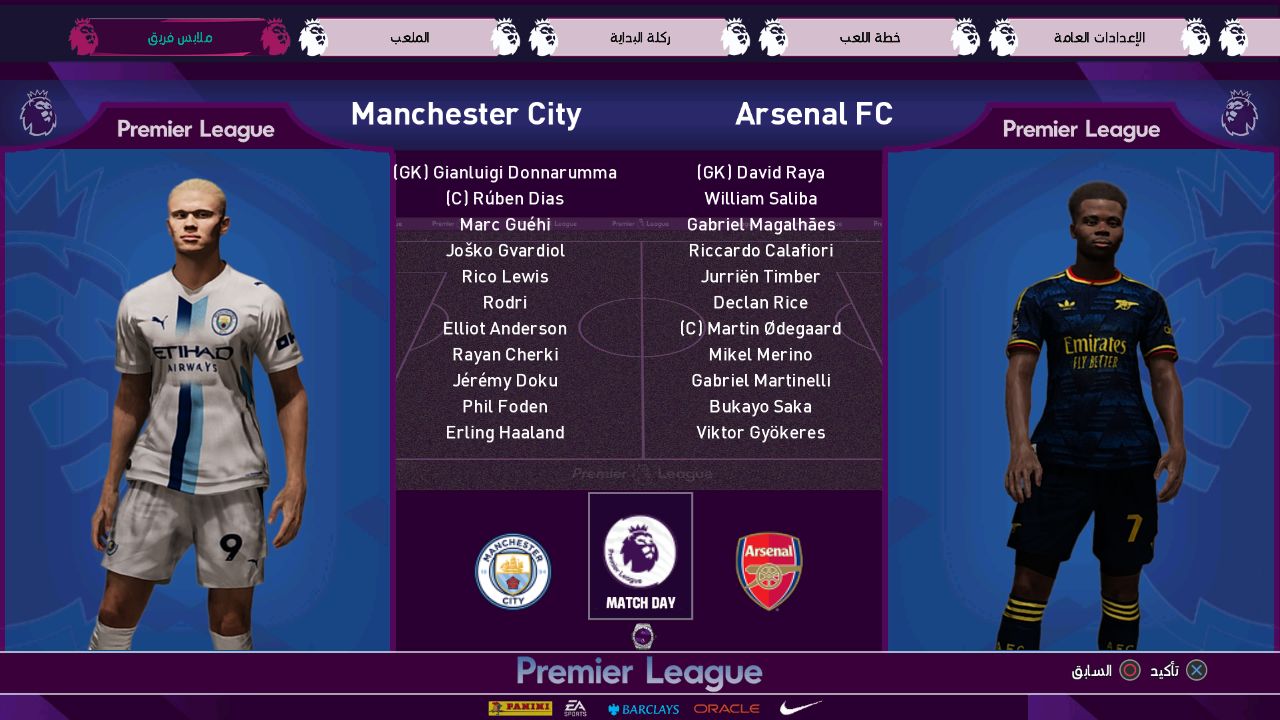
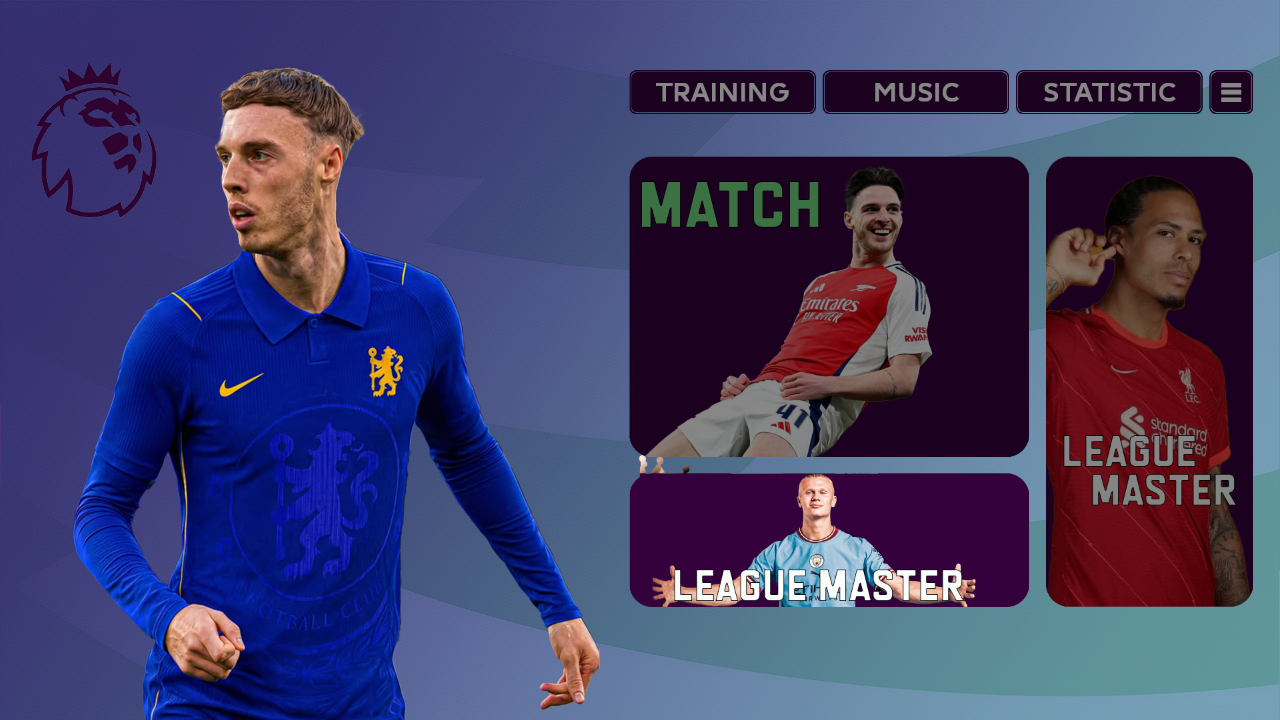
PES 2021 EPL Premier League Graphic Menu

PES 2021 EPL Premier League Graphic Menu
New English Premier League Graphic Menu made for eFootball Pro Evolution Soccer 2021 PC Games by Diyaad. Includes new menu graphics, color schemes, and Premier League menu style.

Features:
  • EPL Premier League themed design
  • Modern and realistic style
  • Optimized colors and backgrounds

How to Install:
Attention: You need to install CommonLib for the menu to work. CommonLib should be the first entry in your Sider. Download CommonLib Click here

1. Extract and copy the "content, livecpk, and modules" folders to your Sider 7 folder
2. Open sider.ini with any text editor and add the following lines:
cpk.root = ".\livecpk\Menu EPL"
cpk.root = ".\livecpk\UIColors"

lua.module = "UIColors.lua" 
3. Enjoy


Credits:
PES 2021 Premier League Graphic Menu made by Diyaad
G. Leroy (pesmodding.com) / blog writer

Download "Menu Mod"
Please wait ...
If the download didn't start automatically, click here

New PES 2021 Cutscenes 2026 - Master League Cinematics

New PES 2021 Cutscenes 2026 Mater League Cinematics

New Mater League Cinematics (Cutscenes ) 2026 made for eFootball Pro Evolution Soccer 2021 PC Games by Maiconcosta222. Includes updated prize scene, transfer cinematic, and more.

Features:
  • Update on the prize scene
  • New transfer scenes
  • Introduction of "Become A Legend" replaced with new scenes that vary between 1 and 2.
  • Training scenes remained from another version.

How to Install:
1. Extract and copy the "content" and "livecpk" folders to your Sider 7 folder.
2. Open sider.ini with any text editor and add the following lines:
lua.module = "MLCinematics.lua"
and
cpk.root = ".\livecpk\MLCinematics"
3. Enjoy

Credits:
New PES 2021 Cutscenes/Cinematics made by Maiconcosta222
G. Leroy (pesmodding.com) / blog writer

Download "Cinematics"
Please wait ...
If the download didn't start automatically, click here

PES 2021/FL 2026 Andrey Santos Face

PES 2021/FL 2026 Andrey Santos Face

New High-Quality Andrey Santos Face made for eFootball Pro Evolution Soccer 2021 & SP Football Life 2026 by Facemaker Bluefacestudio. 

Andrey Nascimento dos Santos, known as Andrey Santos, is a Brazilian professional footballer who plays for the Premier League club Manchester United and the Brazil national team.

How to Add New Faces in PES 2021

Adding fresh faces to your PES 2021 game is simple. Here are several methods to get you started:

Method 1: Using Sider 7 Version

Extract and Place the Files:
Locate the folder containing the new faces (usually identified by numbers).
Extract this folder and copy it to 
...\livecpk\Faces\Asset\model\character\face\real

Edit sider.ini: If not already done, add this line:
cpk.root = ".\livecpk\faces"

Method 2: Using CPK Version

1. Create CPK File: Use "CriPackedFileMaker" to package the contents of the Sider version folder into a CPK file.

2. Copy to Game Directory: Place the created CPK file into:
eFootball PES2021\download

3. Add to Game: Use the "DpFileList Generator" tool to include the CPK file in your game.

Verify Installation:

Launch PES 2021 and navigate to the Edit menu.
Check if the new faces appear correctly for the players.

Credits: 
PES 2021 Faces made by Bluefacestudio x.com/blufacestudio
G. Leroy (pesmodding.com) / blog writer

Download "A. Santos Face"
Please wait ...
If the download didn't start automatically, click here
© 2020 — 2025 PES Modding. Disclaimer Privacy Policy About Us